
A stopwatch setup for PE teachers: timing a class of 30
How a PE teacher times a whole class — fitness tests, relays, shuttle runs — with one iPhone: group starts, automatic split assignment, and a CSV for the gradebook.
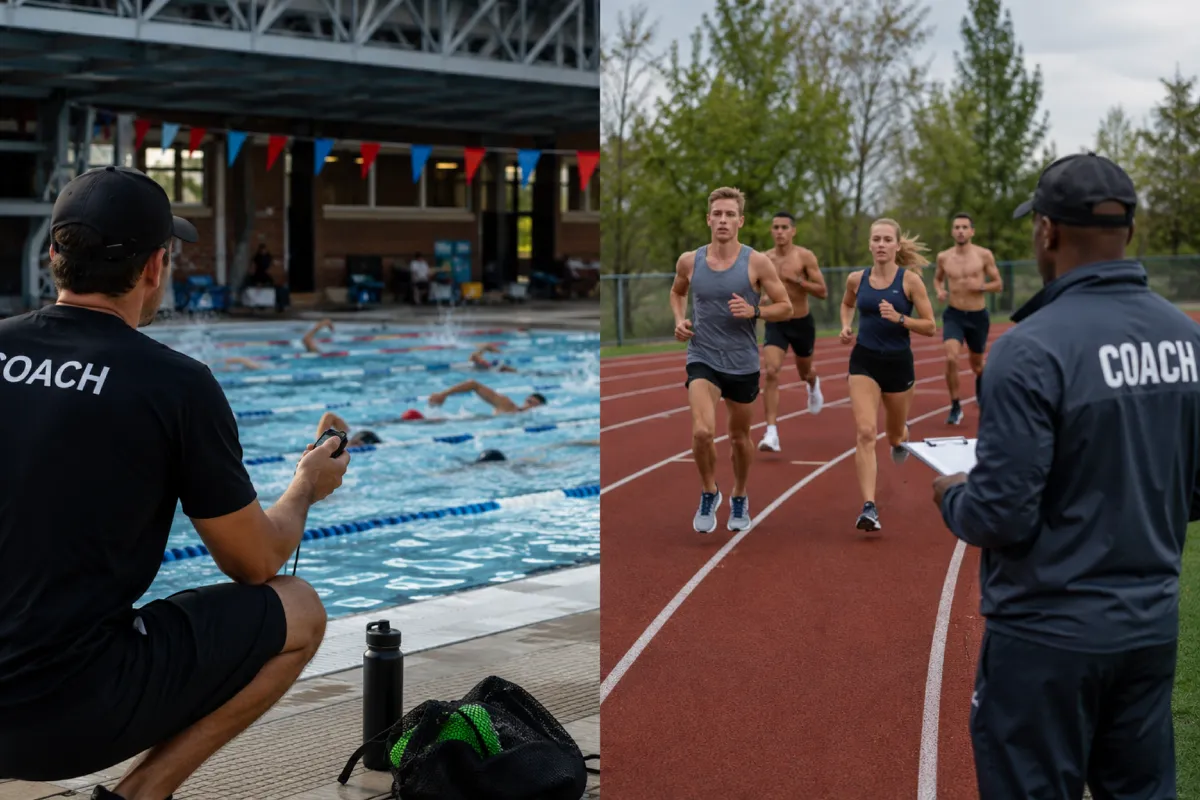
Fitness-test day with one teacher and thirty students usually means a clipboard, a helper or two, and times that are half memory by the time they're written down. One iPhone can time the whole class if the stopwatch never asks you to pick the right student's button — here's the setup.
Fitness-test day
The PE timing problem is the coach's problem at maximum scale: heats of five on the shuttle run, a whole class on the mile, relays where three teams finish inside two seconds — and a gradebook that wants a time next to every name. Apps with per-student buttons turn that into target practice; calling times aloud turns it into a memory test for twelve-year-olds.
Starting thirty kids
In Herotime, students wait in the order you set — call it the roster order. One button covers every way a heat begins:
- Long press — everyone remaining starts at once: the whole-class mile, one gesture.
- Rapid tap — a heat of five leaves as one group, one student per tap.
- Short tap — the next single student starts, for one-at-a-time tests and staggered safety starts.
Recording finishes without aiming
While students are running, every tap records the next time and assigns it automatically, in rotation — no name to find on the screen. Three finishers in two seconds is three taps. If two students genuinely swapped order, one drag fixes the record. And since the iPhone's physical volume button works as the timing button (a patented part of the method), you can time with the phone at your side and your eyes on the class — where a PE teacher's eyes are supposed to be.
Names, groups, and the gradebook
Students are set up once, organized in groups — second period, third period — and reused all term. After class, the session exports as CSV through the iOS Share Sheet: a time next to every name, straight into the gradebook or spreadsheet, no transcription step. Everything runs offline, so a gym with no reception changes nothing.
Why not just the clock app?
For timing one thing, the built-in stopwatch genuinely is the right tool — our comparison of timing tools says so plainly. It just has no answer for thirty names, five-at-a-time heats, or a class's times leaving the gym as a file. That combination — many people, one timekeeper, results on record — is exactly the job the single-button multi stopwatch was patented for.