
How to time a whole swim squad with one thumb
How one swim coach can time a whole lane — staggered send-offs, splits at every wall, near-simultaneous finishes — with one iPhone and one thumb, eyes on the water.
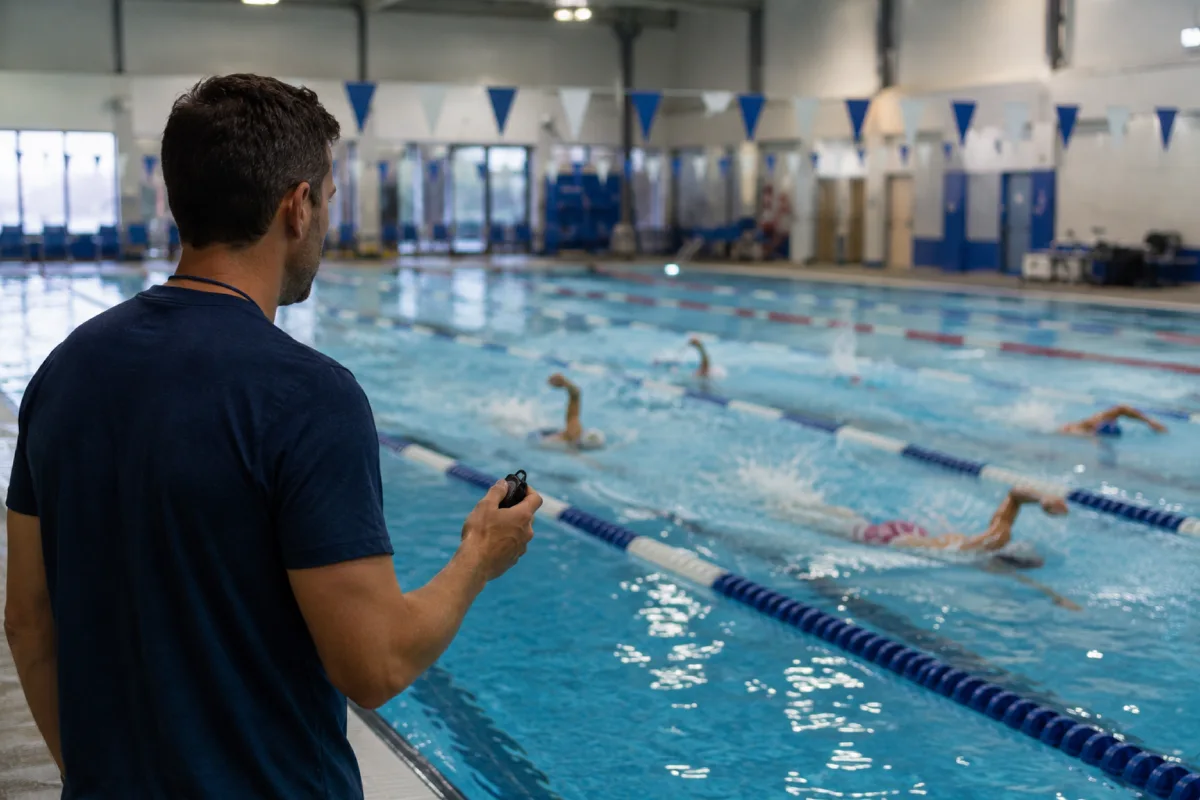
To time several swimmers at once with one iPhone, you need a stopwatch that never asks you to aim at the right button. This guide walks a typical set — staggered send-offs, splits at every wall, a close finish — and shows how the single-button method handles each moment while your eyes stay on the water.
The deck problem
A swim coach's timing problem is brutally specific: several swimmers per lane, send-offs five or ten seconds apart, a split wanted at every wall — and everyone converging on the same wall within a couple of seconds at the end. Traditional answers are three handhelds and a notepad, or a "multi stopwatch" app with one small button per swimmer that nobody can aim at mid-set. Both take your eyes off the water at exactly the moments that matter.
Staggered send-offs, one tap each
In Herotime, your swimmers wait in the order you set — the send-off order. Each short tap starts the next swimmer: tap on "go," tap five seconds later for the next, and so on down the lane. No names to find, no buttons to aim at; the order does the bookkeeping. A whole heat leaving together instead? A rapid tap sequence starts them as one group, and a long press starts everyone remaining at once. Mix the three freely — heat away with a double-tap, a late swimmer short-tapped in after.
Splits at every wall
Once swimmers are in the water, the button means one thing: someone just hit the wall. Each tap records the next split and assigns it to the least-recently-timed swimmer — around the lane, in order. Because swimmers come back to the wall in their send-off rotation lap after lap, the assignment stays correct without you ever choosing a name.
Close finishes and overtakes
When two swimmers touch within a second, you tap twice — both times land on the right swimmers, because assignment follows the rotation, not your aim. And when someone genuinely overtakes within the lane, one drag moves the time record onto the right swimmer and the rotation updates itself. That drag is the second half of the patent; the tap modes are the first.
Eyes on the water
The timing button doesn't have to be on screen: the iPhone's physical volume button is a patented part of the method, so you can time an entire set by feel. Hang the phone on a neck strap and it handles like the stopwatch you already own — minus the notepad. Everything runs offline; a wet, signal-free pool deck changes nothing.
After practice: the CSV
Every swimmer's series — send-off, every wall, finish, per-split cadence — is already organized in the timing history when the set ends. Export it as CSV through the iOS Share Sheet and it opens straight in Excel or any spreadsheet: send-off-adjusted comparisons, split trends across the season, whatever your program tracks.