
How Herotime works
The patented Tap & Arrange method, explained: three tap modes to start, circular assignment for every split, and one drag to fix an overtake.
The one-button idea
Every other stopwatch app gives you one button per athlete — and asks you to aim at the right one while your athletes are mid-race. Herotime gives you one button for everyone: the mode of your tap decides who the time belongs to.
That single idea is what U.S. Patent 11,080,947 B2 protects, and it splits a timing session into two phases: a start phase, where tap modes start athletes, and a run phase, where every tap records the next split automatically.
Start phase: three tap modes
Athletes wait in your chosen starting order. Three gestures cover every way a session begins:
Mix them freely: double-tap the first heat away, short-tap a late arrival, long-press the rest. The order you set is the order they start — no aiming, no looking.
Run phase: circular assignment
Once athletes are running, the button means one thing: “someone just crossed the line.” Each tap records the next split and assigns it to the least-recently-timed athlete — around the circle, in order. Lap after lap, the assignment stays correct without you ever choosing a name.
How tap & arrange works
One button. The mode of tap assigns the time. Try each gesture — then run the splits.
Two or more quick taps record one shared group start — one athlete per tap. The gun for a heat.
Each tap starts the next single athlete in the starting order — stagger a lane at a time.
Hold to start everyone still waiting — clears the rest in one gesture.
Once athletes are running, every tap records the next split and assigns it automatically to the least-recently-timed athlete — around the circle, in order. When someone overtakes, one drag on the time record fixes the order.
Fixing an overtake
Circular assignment assumes athletes finish in their starting rotation — true almost always, and wrong exactly when someone overtakes. The fix is the second half of the patent: drag one time record onto another to reassign it. The circular order updates automatically, and the next tap lands on the right athlete again.

The volume button
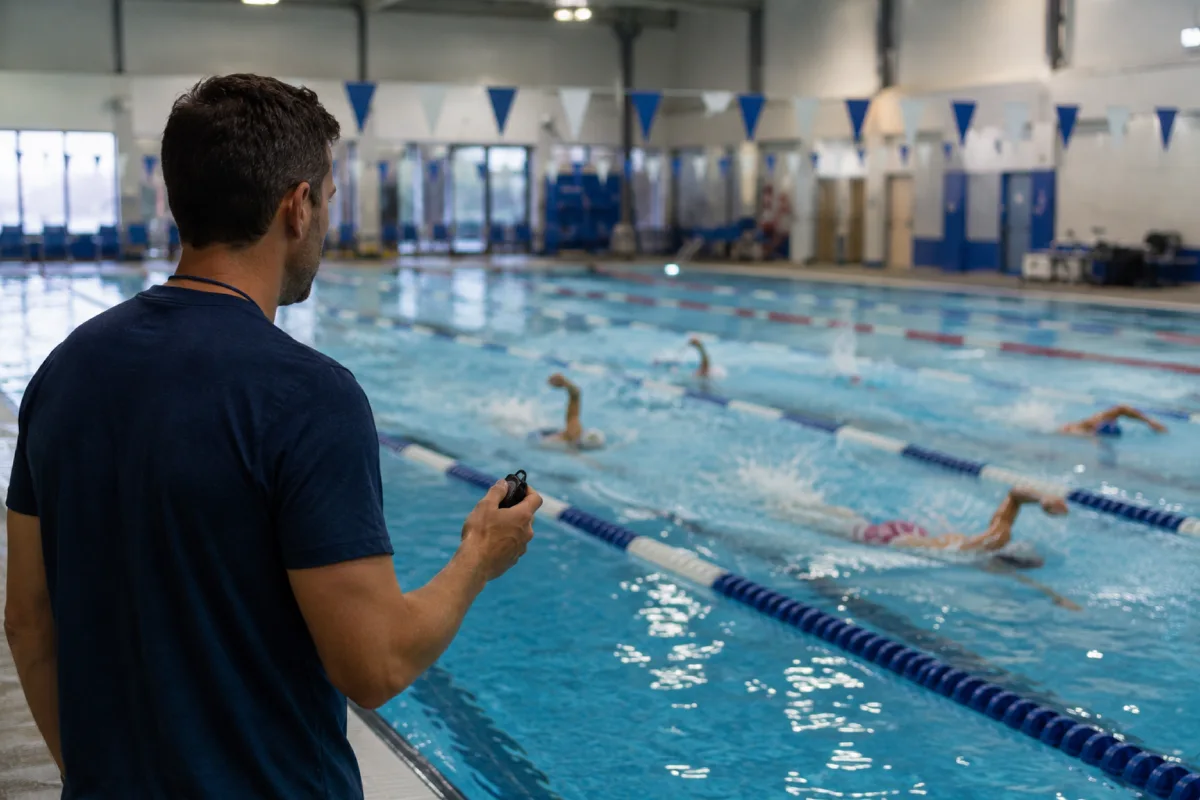
The primary actuator doesn't have to be on the screen. Claim 23 of the patent explicitly covers the iPhone's physical volume button — so you can time an entire set by feel, with your eyes on the water or the track. Pair it with a neck strap and the phone handles like a traditional stopwatch, minus the notepad.
Saving & export
When the session ends, every athlete's time series — start, splits, finish, and per-split cadence — is already organized in the timing history. Share it as CSV through the iOS Share Sheet; it opens straight in Excel or any spreadsheet.